 COME
COMECOME Customer Center language and topic selection
The Customer Center has a language selector and separate help categories; select readable guidance before choosing a topic.
Work through this situation
A language choice helps you understand an answer, while the Deposit, Withdraw, Bank & Mobile or General category narrows the question. A translated heading does not change a service's conditions.
What to check and why
The Customer Center shows an EN selector alongside its heading. Use a language you understand before deciding which topic applies. Then choose the category that describes the issue: Deposit, Withdraw, Bank & Mobile or General. Language selection and topic selection solve different navigation problems.
Read the entire relevant answer, including conditions and status wording. A translated title does not change what an account action requires or establish a processing deadline. If a label remains unclear, include the exact visible wording in your request rather than substituting a guessed meaning. That preserves the distinction between a language problem and an unresolved service record.
Recognise the relevant screen
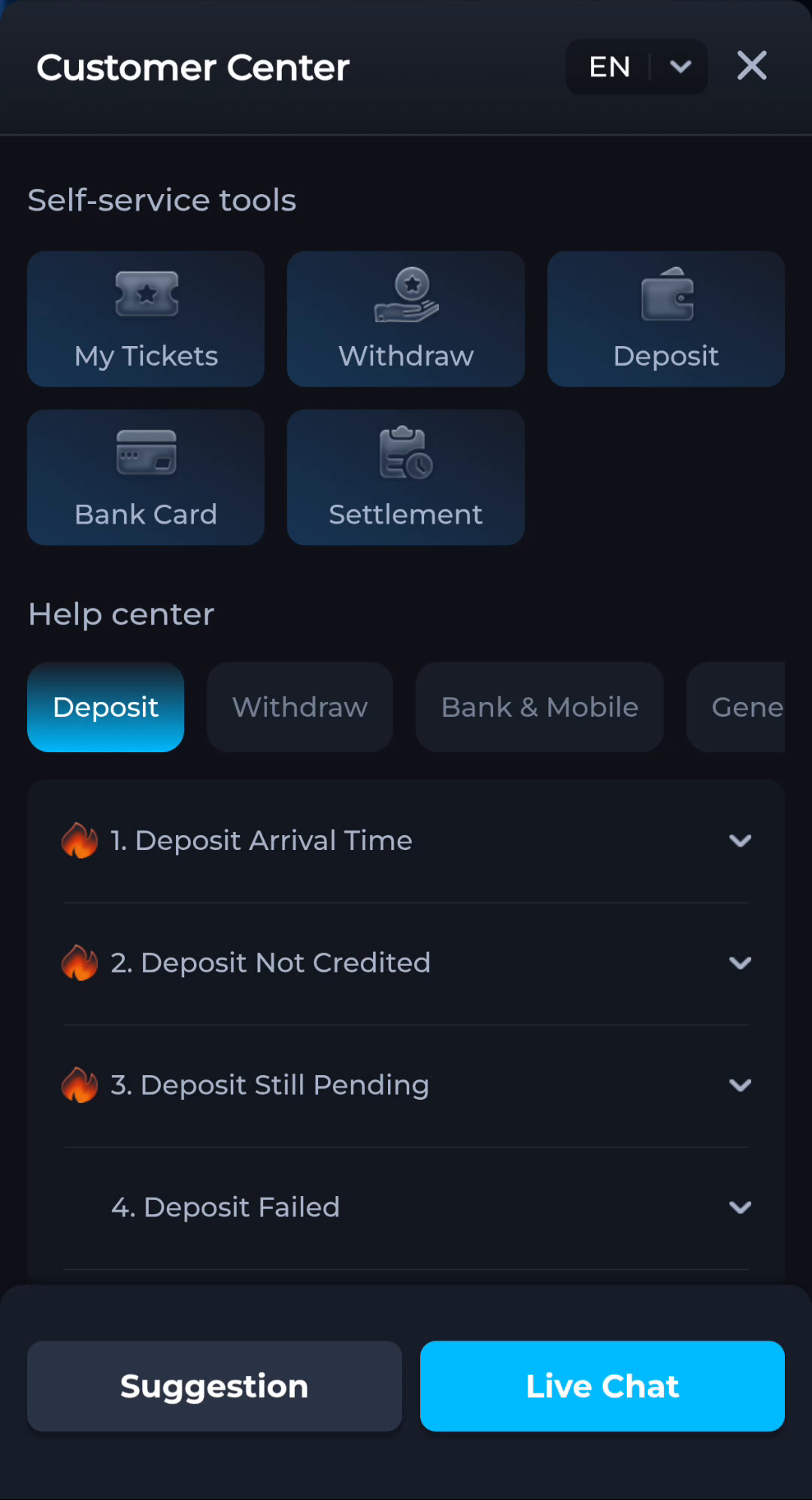
Match help to the task
The account menu and Customer Center provide different routes for preferences, records and assistance. A help-category answer explains a topic, while an account-specific issue needs the relevant service context. Read the visible wording on your own screen because layouts can change. This website provides explanations and navigation; it cannot complete an account action or alter a service record.
What a completed answer looks like
You can read the relevant topic and distinguish it from another category with a similar label.
If the screen still does not answer the question, keep the exact wording and use the matching in-app help context.
Choose another specific COME guide