 COME
COMEAn update offers the same COME version again
A repeated offer can be the same release; compare identifiers before treating it as a new update.
Work through this situation
Downloading v1.12 a second time is not evidence of a version change. A refreshed web date or duplicate filename suffix also cannot establish one. Preserve the working installation while clarifying the offer.
What to check and why
Compare the full installed identifier with the full offered identifier. A suffix or build field, where actually present, can matter; a refreshed page date and a duplicate filename cannot stand in for those fields. If the same version is offered again, identify whether the purpose is reinstalling, repairing a known issue or doing nothing.
Preserve a working installation until the purpose is clear. A second transfer consumes data and creates another file without necessarily changing the app. If Android reports an error, investigate that exact result before trying again. Calling every repeated offer a new release can lead to unnecessary replacements and confusion about which file was used.
Recognise the relevant screen
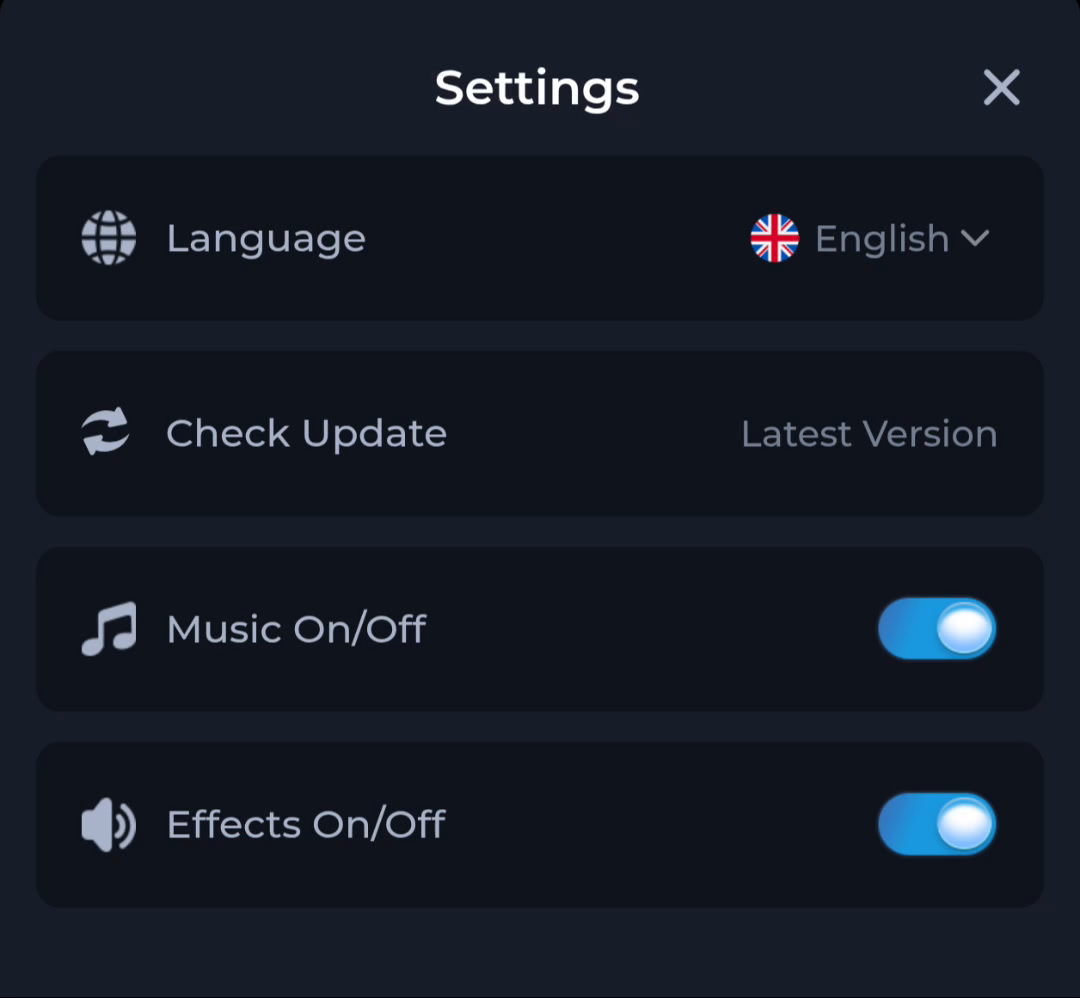
The Settings screen places Check Update beside separate language and audio controls. Use the update entry for its specific purpose rather than treating every nearby label as release information.
Identify the exact device stage
A completed browser download says that a file was saved. Android separately decides whether it can install the package, and the app separately handles its first loading and account access. Keep Play Protect active and read the full device message. A working installation is worth preserving while you investigate a different release or an unexplained error.
What a completed answer looks like
You can explain what would change before starting a replacement installation.
Continue from the stage you have actually confirmed. Preserve the exact message when a step remains unresolved.
Choose another specific COME guide